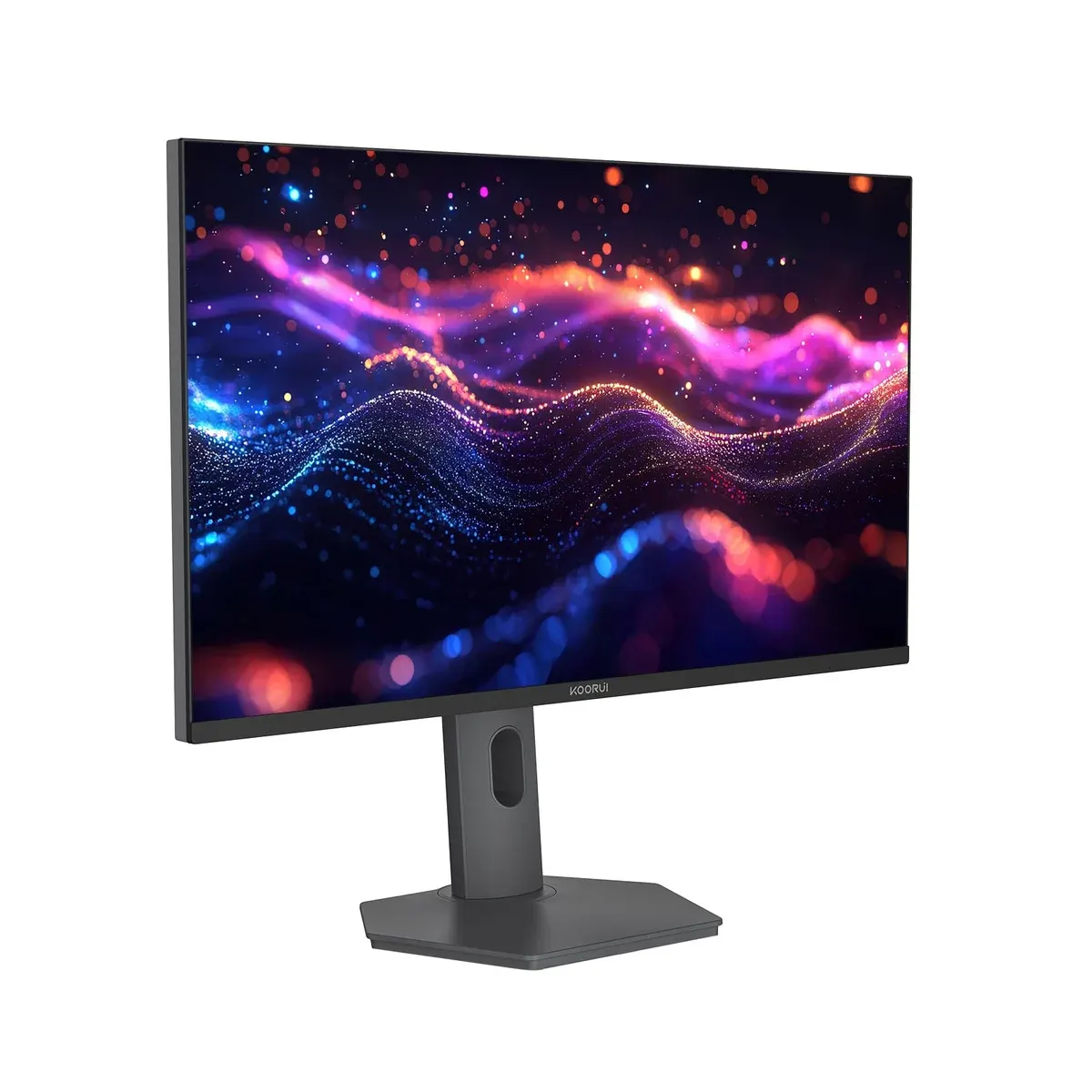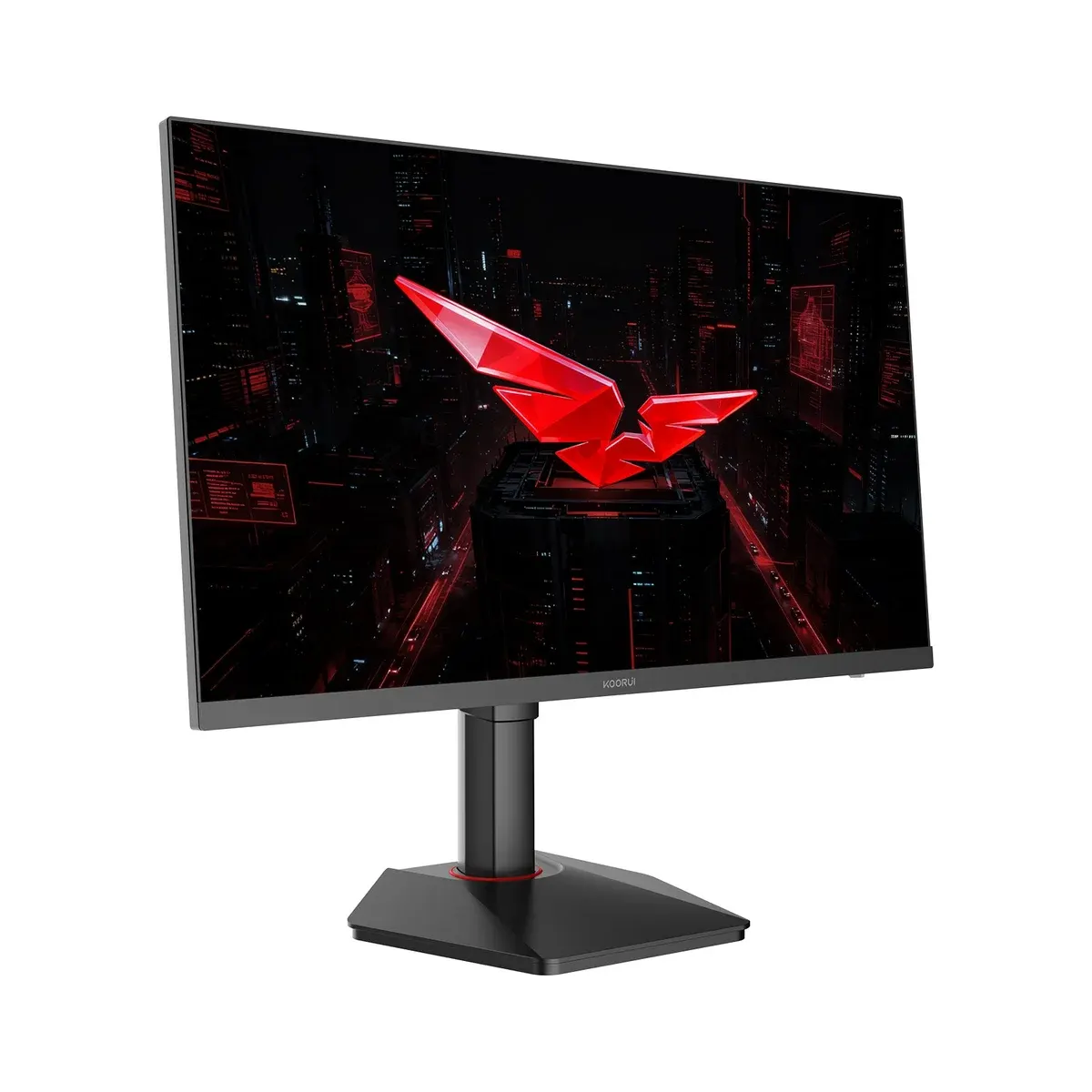
A 27-inch 4K Fast IPS gaming monitor with Dual Mode: native 4K at up to 160Hz or Full HD at up to 320Hz, plus HDR400, 95% DCI-P3 and two HDMI 2.1 ports.
The Koorui G2741L is a 27-inch Fast IPS gaming monitor built around Dual Mode: native 4K UHD at up to 160Hz, or Full HD at up to 320Hz when you switch modes in the OSD. With HDR400, 95% DCI-P3 colour and two HDMI 2.1 ports, it is a flexible 4K screen for PC and console players in Pakistan who want both sharpness and esports speed from one panel.
The G2741L suits a player who splits time between story games or films at 4K and ranked matches where frame rate matters more than pixels. At 5.16 kg with the stand and 3.75 kg without it, it is also light enough to move between desks or hang on a 75 x 75 mm monitor arm.
The Koorui S2741LM uses the same Dual Mode refresh rates but adds a 1,152-zone QD-Mini LED backlight with DisplayHDR 1400, a 90W USB-C port with KVM, a USB hub and a stand with swivel and 130 mm height. The G2741L keeps the 4K and 320Hz flexibility in a simpler, lighter package, which makes sense if HDR punch and laptop docking are not priorities.
Open the OSD and change the Dual-mode display setting. The monitor then runs 1920 x 1080 at up to 320Hz; switch back for 3840 x 2160 at up to 160Hz, and set the refresh rate in Windows or macOS display settings.
No. Koorui's accessory list includes a 1.5 m DisplayPort cable, the stand, the power adapter and cord, and the manuals. For a console use your own HDMI cable, ideally an Ultra High Speed HDMI cable for HDMI 2.1 features.
No. Koorui lists horizontal adjustment as non-adjustable. The stand gives 100 mm of height, ±90° pivot to portrait and tilt from -5° to 20°.
Yes. The G2741L has 75 x 75 mm VESA holes once the stand is removed, so any arm or wall mount with that pattern fits.
No. There is a 3.5 mm audio out for headphones or speakers, fed by sound from HDMI or DisplayPort.
On this page the G2741L comes as a single model. OJ Tech ships it to Lahore, Karachi, Islamabad, Faisalabad and every other city in Pakistan.
| Specification | Detail |
|---|---|
| Screen Size | 27 inch |
| Panel Type | Fast IPS |
| Resolution | 3840 x 2160 (4K UHD) / 1920 x 1080 (FHD) Dual-Mode |
| Aspect Ratio | 16:9 |
| Refresh Rate | 4K @ 160Hz / FHD @ 320Hz (Dual-Mode) |
| Response Time | 1ms (OD) |
| Brightness | 350 cd/m² (SDR) / 400 cd/m² (HDR) |
| Contrast Ratio | 1000:1 |
| HDR | HDR400 |
| Colour Gamut | 95% DCI-P3 |
| Colour Depth | 1.07 billion colours |
| Adaptive Sync | Adaptive Sync (VRR) |
| Viewing Angle | 178° / 178° |
| Ports | 2x HDMI 2.1, 1x DisplayPort 1.4, 3.5mm audio out |
| Speakers | None (audio-out only) |
| VESA Mount | 75 x 75 mm |
| Stand / Ergonomics | Height 100mm, Tilt -5° to +20°, Pivot -90° to +90°, no swivel |
| Curvature | Flat |
| Weight | 5.16 kg with stand / 3.75 kg without |
| Power | External adapter 19V 3.42A, up to 65W |
| In the Box | Stand, power adapter and cord, DP cable, user manual, installation guide |
No reviews yet. Be the first to review this product.