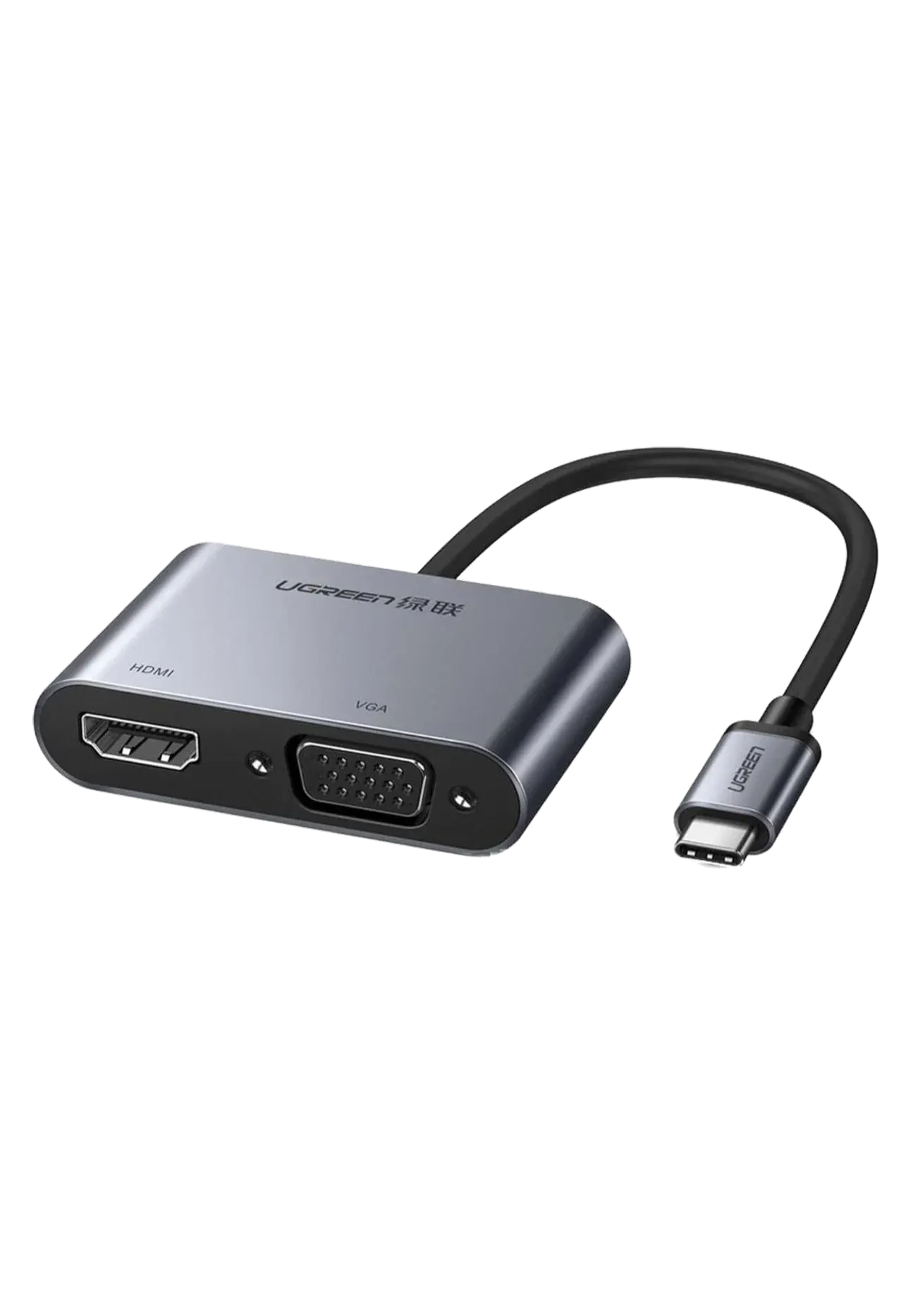
USB-C converter with 4K@30Hz HDMI, 1080p VGA, a USB 3.0 port and USB-C PD pass-through charging for DP Alt Mode laptops and tablets.
USB-C to HDMI + VGA + USB 3.0 Converter with PD (Gray) expands a single USB-C port into video, data, and charging outputs.
A versatile travel companion that covers video, data, and power from one USB-C connection.
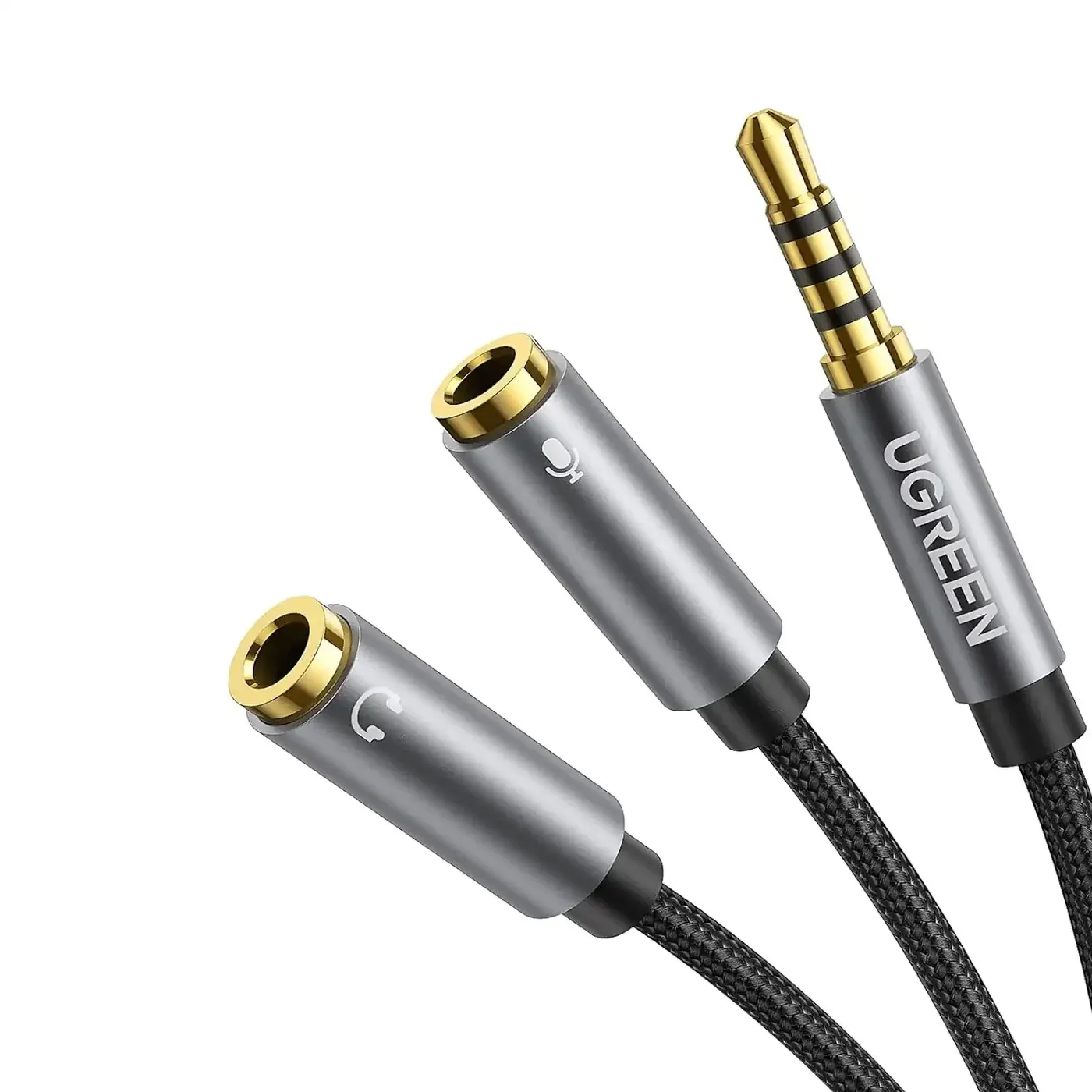
Shoppers also search for the Ugreen USB-C to HDMI + VGA + USB 3.0 Converter with PD Gray as Ugreen-50505, UG50505 or UG 50505, and the brand is often typed U Green or Ugrin. Other names include 4 in 1 Type-C adapter, USB C to VGA and HDMI dongle, USB C hub with VGA port, Type C projector adapter, USB C VGA converter with charging, USB C multiport travel adapter and grey USB C converter.
The Ugreen 50505 is the pick when you meet both new and older screens. The VGA port at up to 1080p connects to older projectors and office monitors still found in many classrooms and meeting rooms, while HDMI at up to 4K at 30Hz covers modern TVs and monitors for presentations, documents and films. A USB 3.0 Type-A port at up to 5Gbps takes a flash drive with your slides or a wireless mouse receiver, and USB-C PD pass-through keeps the laptop charging during long sessions. Teachers, trainers and business travellers in Pakistan get one adapter for every room.
Plug it into a USB-C port with DisplayPort Alt Mode on a laptop, tablet or phone. Connect your display to HDMI or VGA and mirror or extend the screen, plug accessories into the USB 3.0 port, and connect a USB-C charger to the PD port. The aluminium body helps manage heat during extended use.
| Spec | Value |
|---|---|
| Input & Output | USB-C in to HDMI, VGA, USB 3.0, and USB-C PD |
| Interface | USB-C with DisplayPort Alt Mode |
| HDMI Resolution | 4K at 30Hz |
| VGA Resolution | 1080p |
| USB Data | USB 3.0 up to 5Gbps |
| Power Delivery | USB-C PD pass through |
| Colour | Gray |
No reviews yet. Be the first to review this product.