 Hover to zoom · click for full image
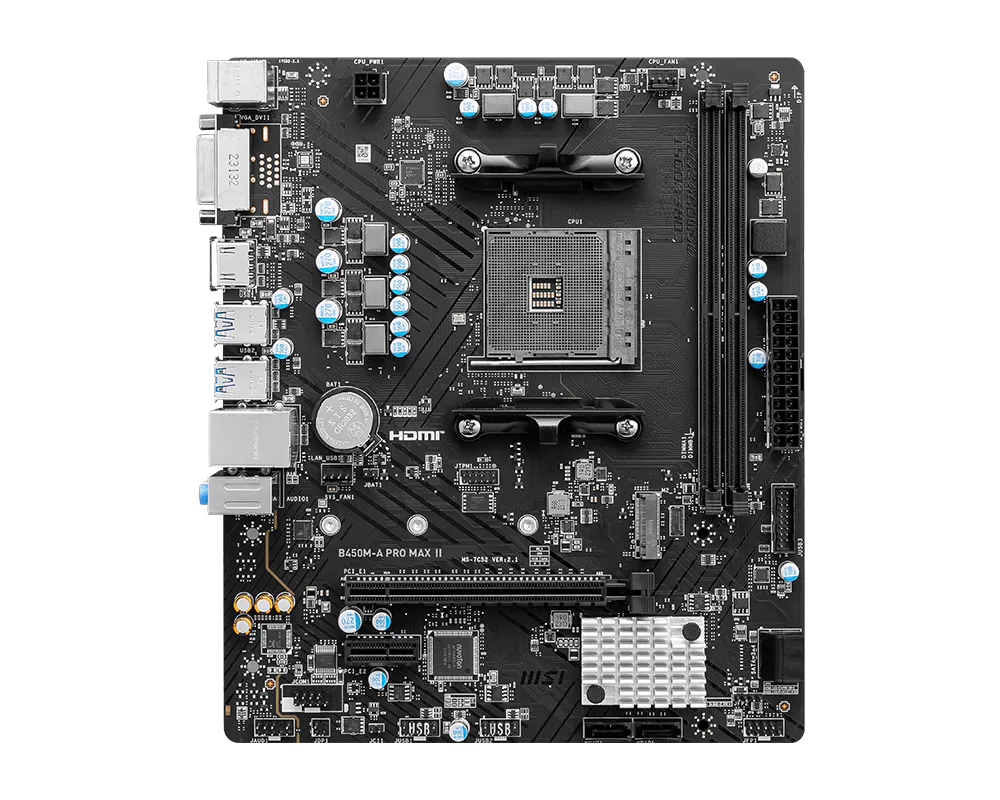
Micro-ATX AMD B450 motherboard for AM4 Ryzen with two DDR4 slots up to 64GB, a Turbo M.2 slot and Realtek 2.5G LAN.
The MSI B450M-A PRO MAX II is a micro-ATX motherboard built on the AMD B450 chipset for Socket AM4 Ryzen processors. It is an affordable, reliable platform for budget AMD desktops and upgrades, complete with 2.5G LAN and a Turbo M.2 slot.
A budget friendly AM4 board with 2.5G LAN for dependable Ryzen builds.
| Spec | Value |
|---|---|
| Type | Micro-ATX motherboard |
| Socket | AMD AM4 |
| Chipset | AMD B450 |
| CPU support | Ryzen 5000, 4000G, 3000, 2000 Series |
| Memory | 2x DDR4, up to 64GB, 4133 MHz (OC) |
| Graphics slot | 1x PCIe 3.0 x16 |
| M.2 | 1x PCIe 3.0 x4 |
| SATA | 4x SATA 6Gb/s |
| LAN | Realtek 2.5G |
| Audio | Realtek ALC897 (7.1 channel) |
| Display | DVI-D, HDMI |
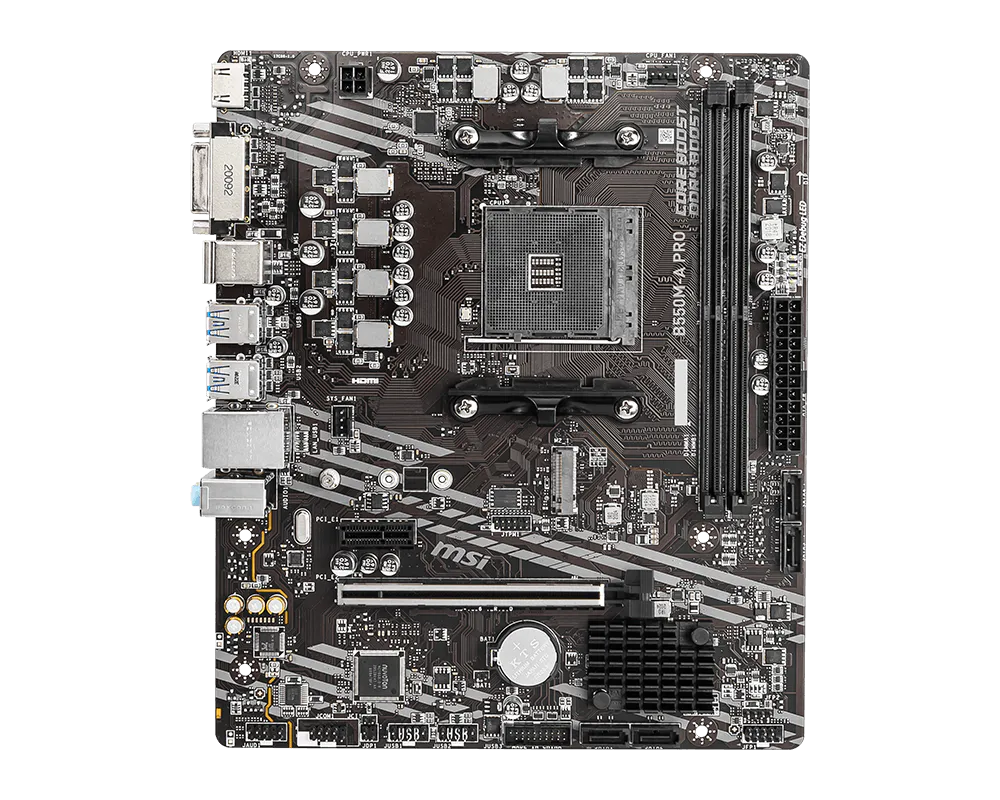 B550M-A PRORs 28,000
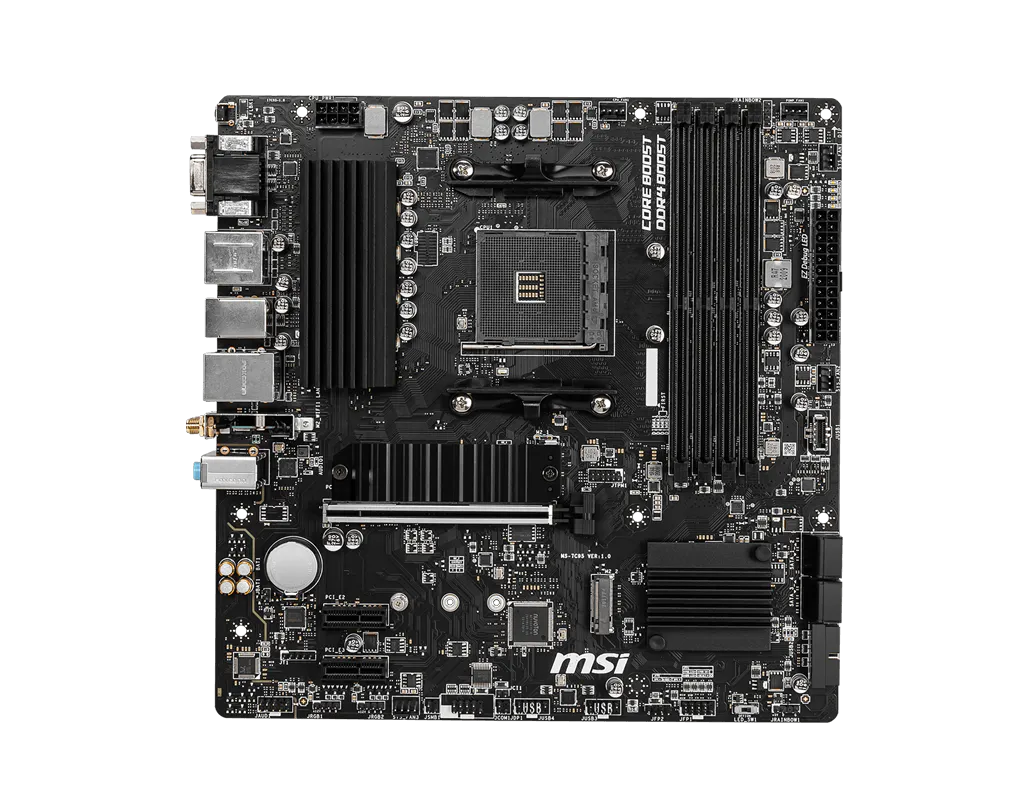 B550M PRO-VDH WIFIRs 36,500Out of stock
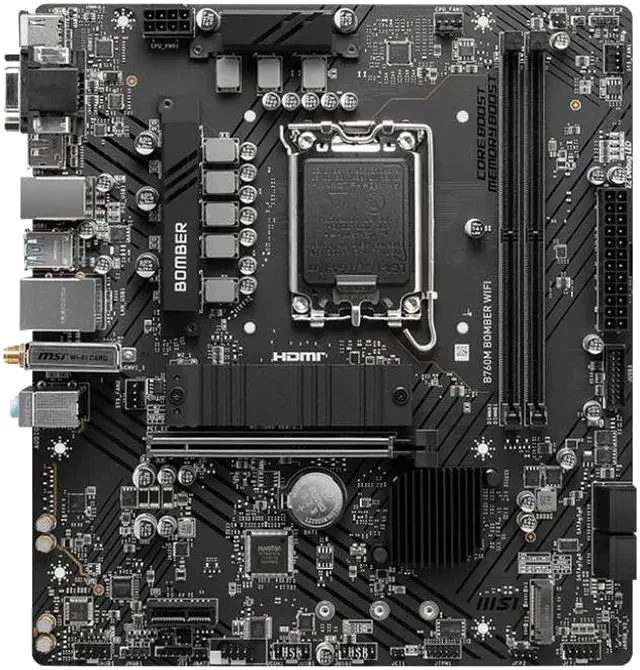 B760M BOMBER WIFIRs 39,500
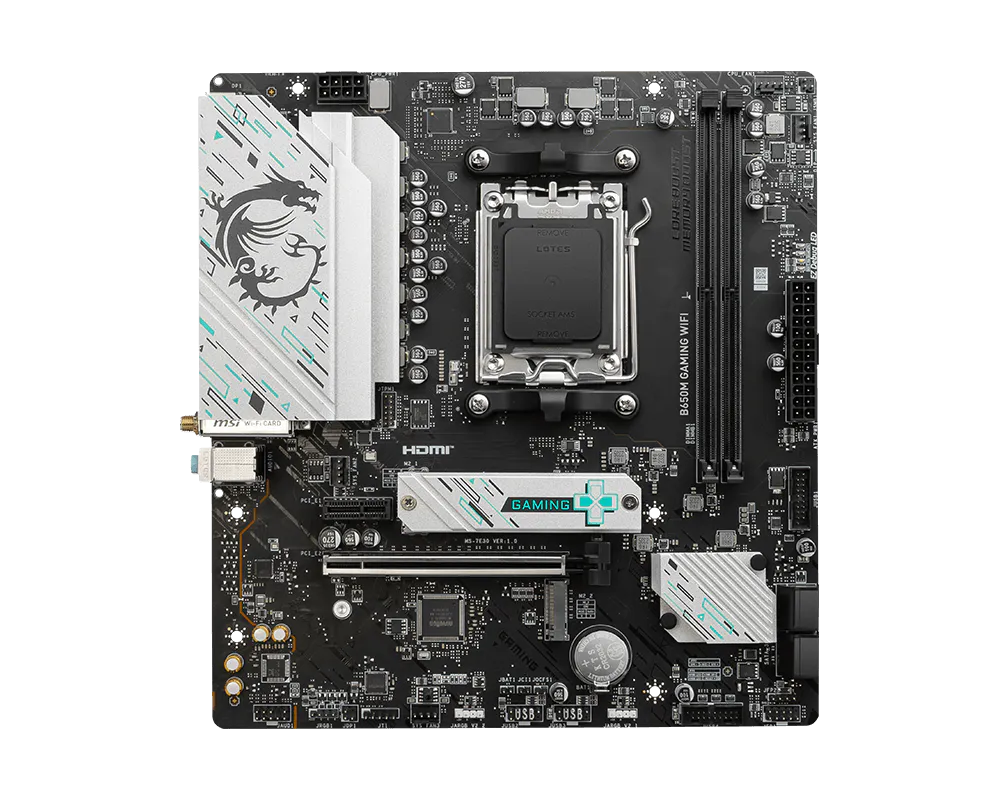 B650M GAMING WIFIRs 45,000
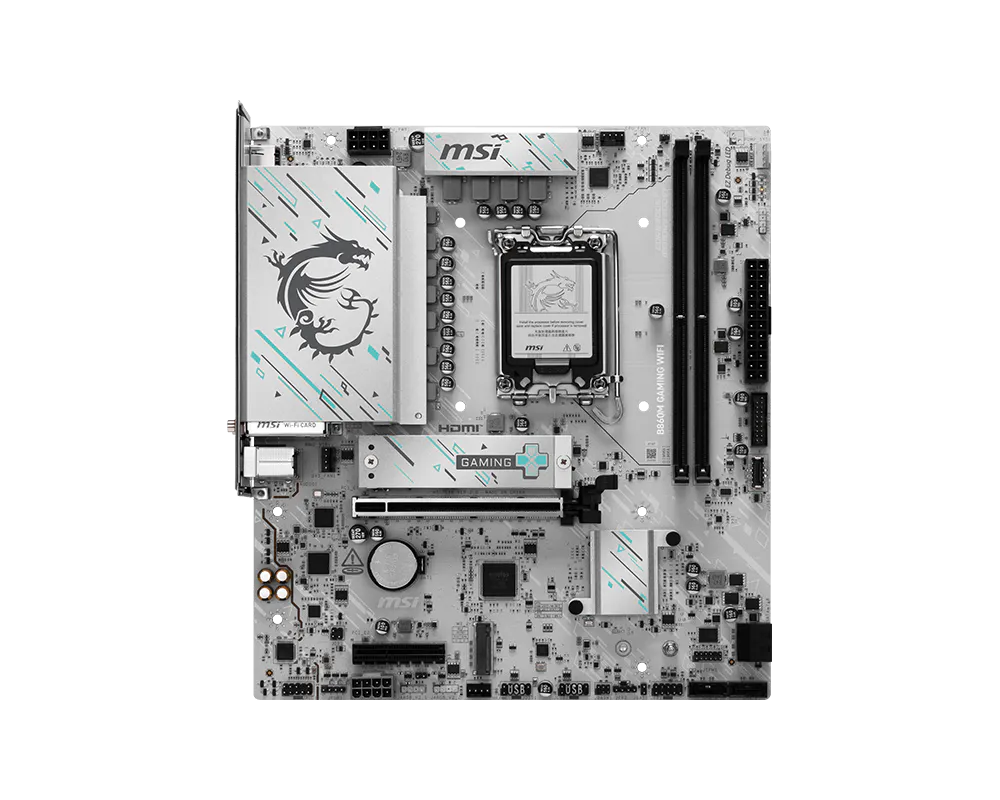 B860M GAMING WIFIRs 48,500
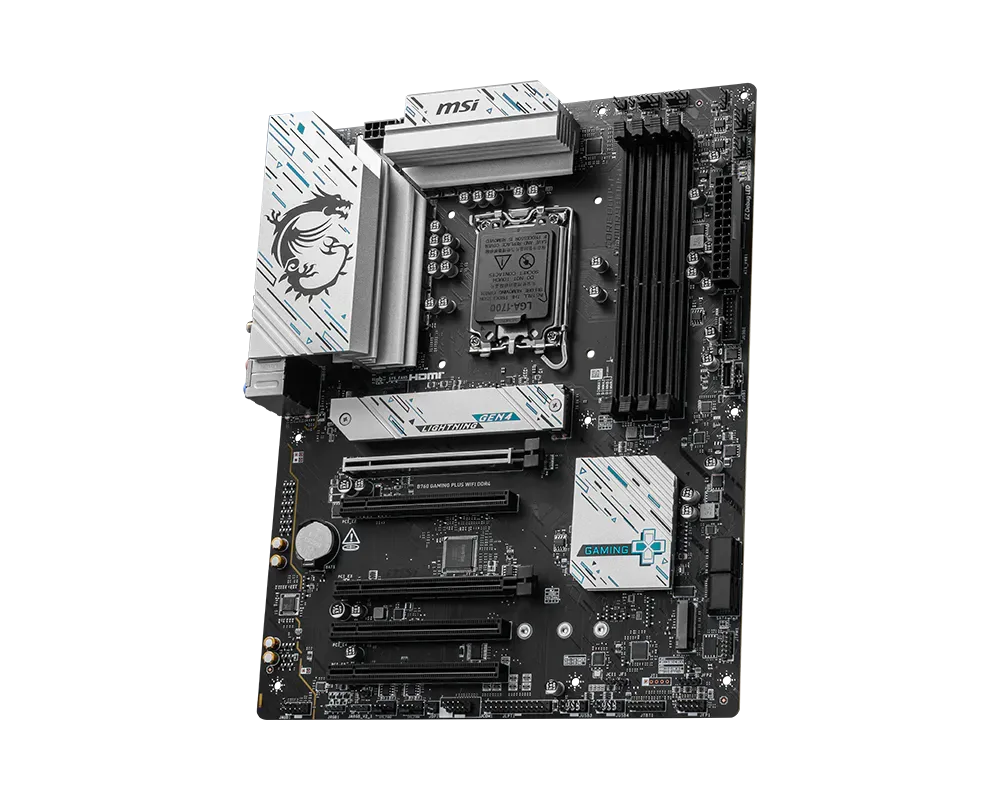 B760 Gaming Plus WiFi DDR4Rs 53,500
"Picked up an MSI B760 WiFi motherboard from OJ Tech to anchor my new build, and it has been absolute perfection. The board layout is clean, component spacing makes installation straightforward, and the steel-armored PCIe slots provide rock-solid support for heavy modern graphics cards. Out-of-the-box compatibility was smooth, the VRM cooling handles heavy multi-core loads effortlessly, and having built-in Wi-Fi 6E along with a 2.5G LAN port gives me blazing-fast, stable connectivity. The MSI BIOS is super intuitive to navigate for enabling XMP and tweaking fan curves too. Huge thanks to OJ Tech for the great local availability and quick service
Muhammad Fahad · 29-Oct-2026